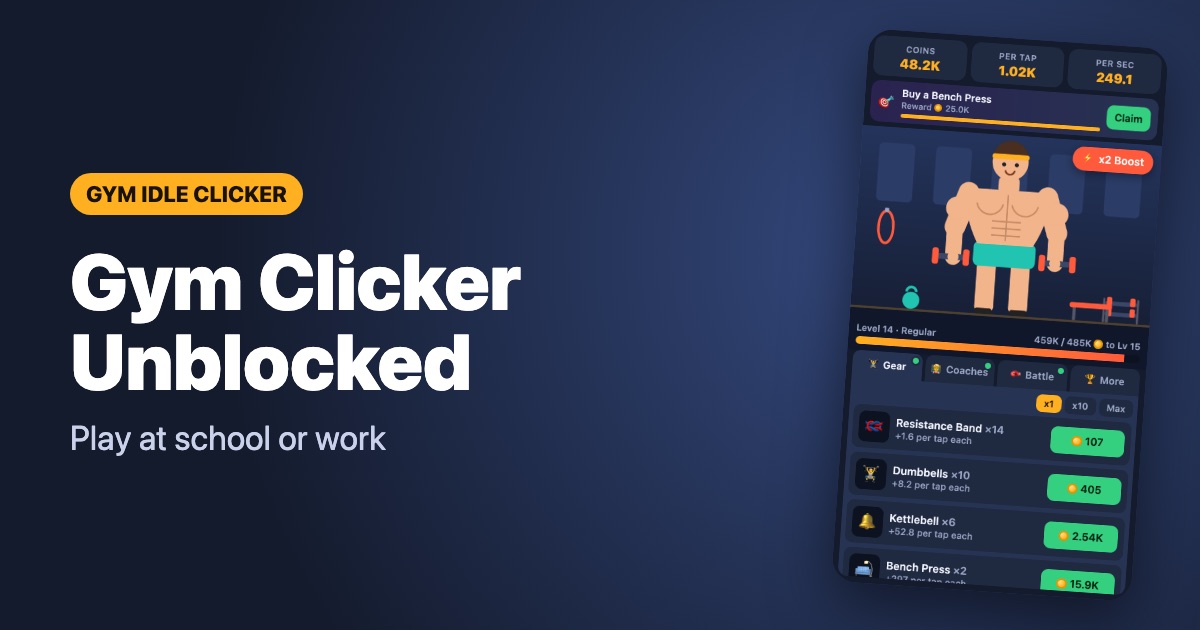
Searching for a gym clicker unblocked? Many school and office networks block big game portals or stop you from installing apps. A small, lightweight web game is often the easiest option.
Why Gym Idle Clicker usually works
- No install – it is a normal web page, so you do not need admin rights.
- Tiny download – the whole game is a few dozen kilobytes, with no heavy engine or plugins like Flash.
- Works on Chromebooks – any modern browser (Chrome, Edge, Safari, Firefox) can run it.
- Idle progress – coaches keep earning while the tab is closed, so a few minutes in a break is enough.
- Saves automatically – progress is stored in your browser, no account required.
How to play
- Open gymidleclicker.com.
- Tap or click the athlete (or press Space) to earn coins.
- Buy gear for more coins per tap and coaches for coins per second.
- Use full-screen mode for a cleaner view.
A note on rules
Please respect your school or workplace rules. We do not provide proxies or tools to bypass network filters – if a site is blocked on purpose, ask your administrator. Gym Idle Clicker is designed for short breaks, not for skipping class.
Tips for short sessions
- Spend coins on coaches before you close the tab – offline earnings last up to four hours.
- Save the ⚡ x2 boost for when you have a minute to tap.
- Fight a rival when your power is close to theirs; one win can pay for several upgrades.
Play Gym Idle Clicker nowFree in your browser · no download